
Choosing a CRM is one of those decisions that looks simple from the outside — until you’re six months into an implementation that doesn’t fit how your team actually works. The wrong pick costs you time, money, and adoption. The right one quietly compounds: better pipeline visibility, faster follow-ups, happier customers.
This guide walks you through the key questions and decisions behind a smart CRM selection — not just what to look for, but how to think about it.
Start With Your Business Goals, Not the Feature List
Most companies start CRM selection by browsing software review sites and comparing feature tables. That’s backwards.
Before you look at a single vendor, get clear on why you need a CRM in the first place. Is the goal to increase sales? Reduce churn? Cut down on manual data entry? Improve response times for customer support? The answer shapes everything — which modules matter, which integrations are non-negotiable, and what a realistic budget looks like.
A sales-led growth company needs strong pipeline management, forecasting, and activity tracking. A subscription business needs renewal visibility and customer health scoring. A service business might prioritize ticketing and SLA tracking over sales automation entirely.
Write down your top three business goals before you open a single product page. Every CRM decision should trace back to at least one of them.
Define Your Requirements Before You Talk to Vendors
Once you know your goals, translate them into requirements. This is where most teams get fuzzy — they make a vague wishlist instead of a prioritized spec. The result is that vendors talk them into features they don’t need and they end up paying for complexity they’ll never use.
A useful way to structure this: separate your requirements into must-haves, nice-to-haves, and dealbreakers.
Functionality to assess:
- Contact and account management — the core of any CRM. Does it match how you segment your customers?
- Sales pipeline management — do you need one pipeline or multiple? Can you customize stages?
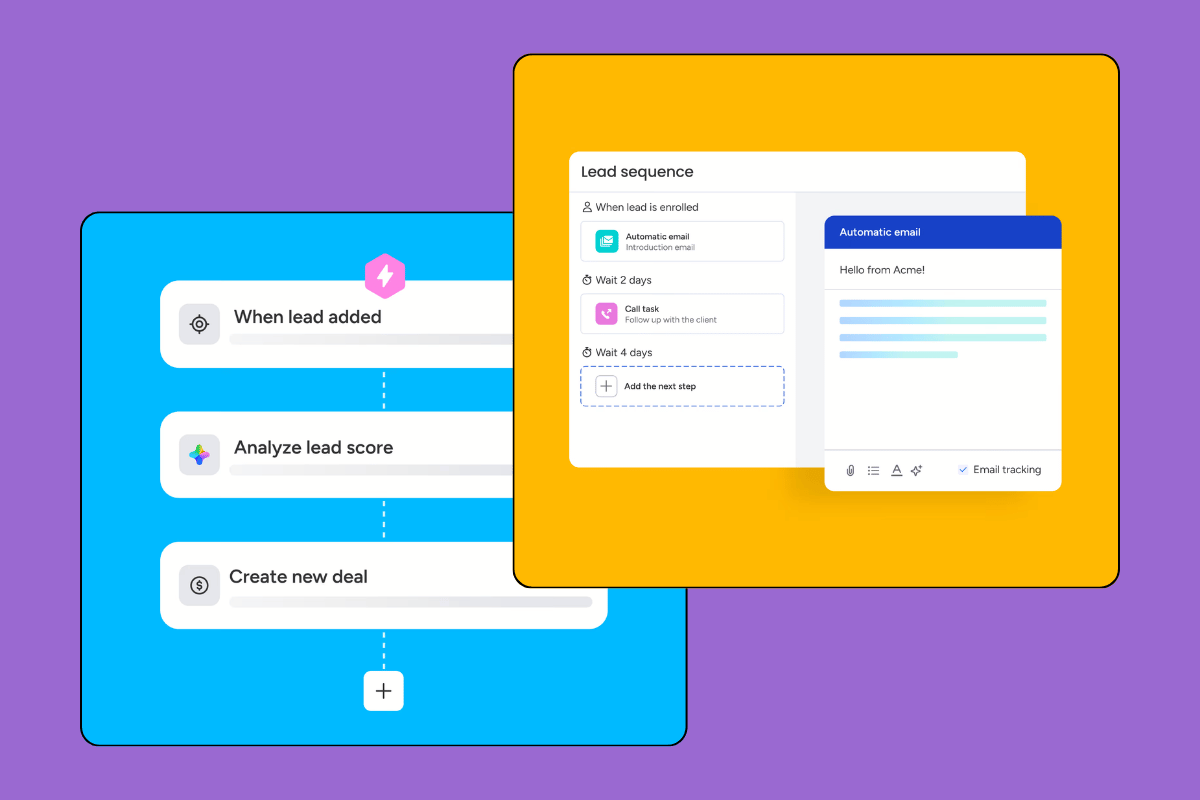
- Marketing automation — email sequences, lead scoring, campaign tracking. Do you need this baked in, or will you integrate a dedicated tool?
- Customer support features — ticketing, live chat, knowledge base. Some CRMs cover this natively; others don’t.
- Reporting and analytics — what decisions will you make from CRM data, and does the reporting actually support those decisions?
Integration requirements are equally critical. A CRM that doesn’t talk to your email, your accounting software, or your e-commerce platform creates data silos — which is the exact problem you were trying to solve. List every tool in your current stack and confirm integration availability before shortlisting.
Data security and compliance often gets left to the end of the process. Don’t do that. If you operate in the EU, GDPR compliance is non-negotiable. Ask vendors directly: where is data stored? What are the data processing agreements? Can you export your data in a portable format if you switch providers?
Research the Market — But Narrow It Quickly
The CRM market is enormous. There are hundreds of options ranging from free open-source tools to enterprise platforms that cost six figures per year. Spending weeks evaluating all of them is a trap.
A more effective approach: use the requirements you’ve defined to filter down to a shortlist of five to seven vendors. Read third-party reviews on G2, Capterra, or — for more in-depth breakdowns — specialist sites like this one. Find best CRM systems.
Pay particular attention to reviews from companies in your industry and of similar size. A CRM that works brilliantly for a 500-person SaaS company may be overkill (or simply wrong) for a 15-person professional services firm.
Then run demos — but run them with a script. Give each vendor the same realistic use case and see how they handle it. Vague demos that stay in the vendor’s comfort zone are not useful.
Compare Vendors on What Actually Matters
When you sit down to compare your shortlisted vendors, go beyond the feature checklist. Here’s what often makes or breaks the decision in practice:
Industry fit — does the vendor have customers in your vertical? CRM configuration varies significantly by industry. A vendor with deep experience in your space will have better default workflows, better templates, and support staff who understand your context.
Technical support quality — check what’s included at each pricing tier. Is support available by phone or just by ticket? Is it in your language? Is there a dedicated account manager, or are you on your own after onboarding? Support quality only becomes obvious when something goes wrong, so dig into it during the sales process.
Scalability — the CRM you choose today needs to work for you in three years. What happens to your pricing when you add users? Can you add modules without re-implementing from scratch? Has the vendor released meaningful product updates recently?
Understand the Full Cost — Including the Hidden Ones
Sticker price is not the real cost of a CRM. When you’re comparing options, build out the full cost model:
- Per-user vs. per-feature pricing — some CRMs charge per seat, others per module. Run the numbers at your current headcount and at projected growth.
- Implementation and onboarding — will you set it up yourself, or will you need a consultant? Factor this in, especially for mid-market and enterprise platforms.
- Training costs — adoption is the most common reason CRM implementations fail. Budget for proper training, not just a one-hour onboarding call.
- Support and maintenance fees — some vendors charge separately for phone support, advanced reporting, or API access.
- Data migration — moving from a spreadsheet or a legacy system is rarely free or simple.
The cheapest CRM is rarely the most cost-effective one. The right question isn’t “what does this cost?” — it’s “what’s the return if this works well?”
Check User Reviews and Ask for References
Before you sign a contract, spend time with real user reviews. Look for patterns: which specific complaints repeat? Which praises are consistent? A handful of negative reviews about the same issue is a signal; isolated complaints are noise.
If the deal is significant, ask the vendor for references — existing customers you can speak to directly. Any reputable vendor will accommodate this. Ask those references about onboarding, support responsiveness, and whether the platform performs as promised in production.
FAQ: Choosing a CRM System
How long does it typically take to choose a CRM?
For most small to mid-sized businesses, a thorough evaluation takes four to eight weeks — from requirements definition through vendor demos to final contract. Rushing this phase tends to produce expensive mistakes.
Should I choose an industry-specific CRM or a general-purpose one?
Industry-specific CRMs come pre-configured for your use case and can reduce implementation time significantly. General-purpose platforms offer more flexibility but require more setup. If a strong industry-specific option exists for your vertical, it’s usually worth considering seriously.
What’s the biggest mistake companies make when choosing a CRM?
Choosing based on features instead of fit. A CRM with every feature on your list but poor adoption is worse than a simpler tool your team actually uses. Involve the people who will use the system in the evaluation — their buy-in determines whether the implementation succeeds.
Is it better to start with a free CRM and upgrade later?
Sometimes. Free tiers are a good way to validate whether CRM fits your workflow at all. But free plans typically have strict usage limits, and migrating data between platforms is painful. If you’re serious about CRM adoption, budget for a proper tool from the start.
What should I do if my team refuses to adopt the CRM?
Adoption failure is almost always a process problem, not a technology problem. Start by mapping how your team actually works, then configure the CRM to support those workflows — not the other way around. Mandating tool use without removing friction never works long-term.
The Bottom Line
Choosing a CRM well comes down to three things: being clear about what you need it to do, being honest about what your team will actually use, and doing enough research to distinguish marketing claims from real-world performance.
The companies that get the most from their CRM are rarely the ones who chose the most feature-rich option. They’re the ones who defined their requirements clearly, involved their team early, and chose a platform that fit the way they work.
If you’re still figuring out which systems are worth shortlisting, our CRM ranking is a good place to start.
Check my CRM ranking.
SEO meta description: Choosing a CRM system? This guide walks you through every step — from defining business goals and requirements to comparing vendors, evaluating pricing, and avoiding the mistakes most companies make.