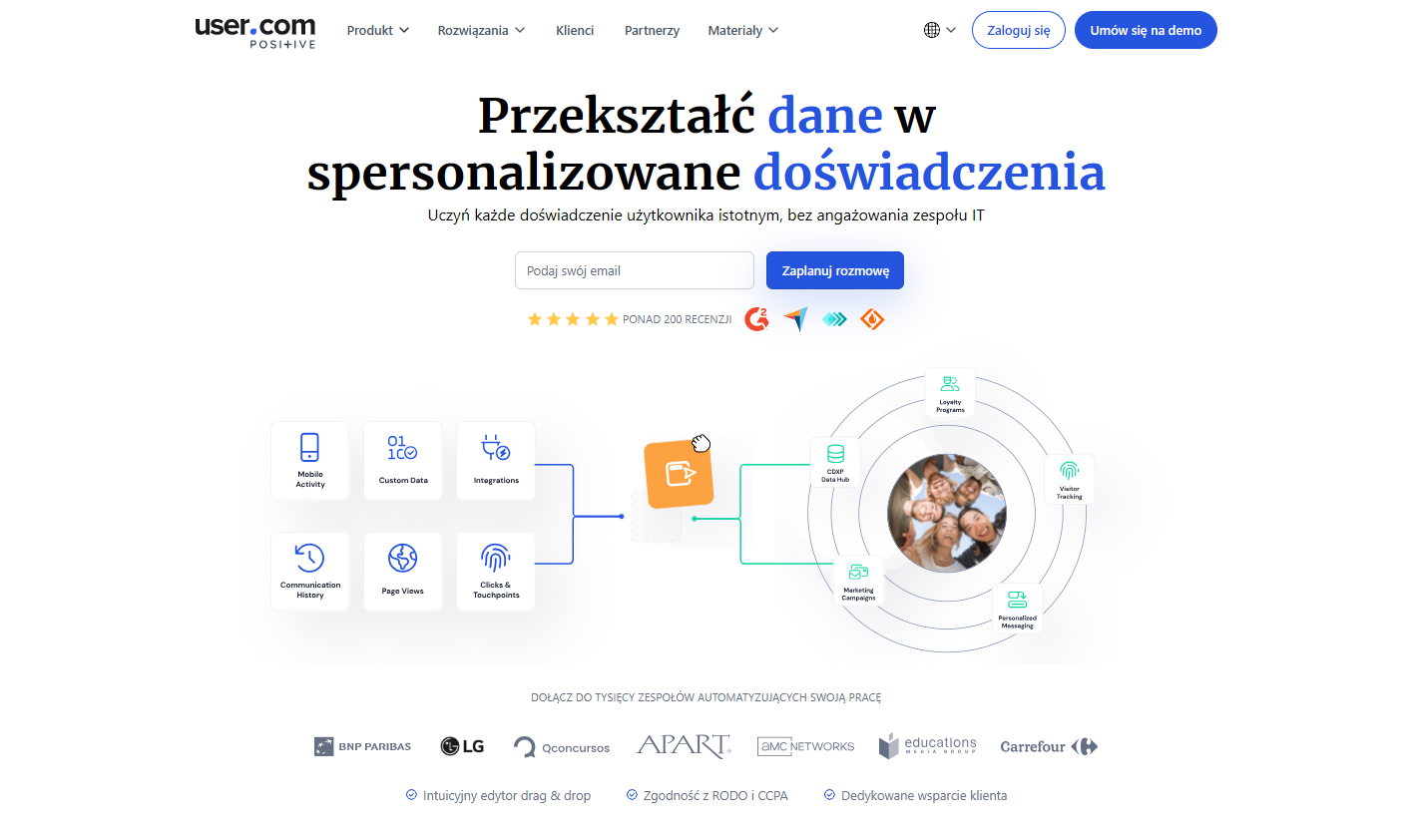



User.com is a legitimate all-in-one marketing automation platform. That phrase gets thrown around a lot – here it actually holds up. You get email marketing, live chat, behavioural tracking, push notifications, SMS, dynamic popups, and lead scoring in a single system. No Zapier glue required.
The tradeoff is complexity. This is not a tool you install on a Monday and master by Wednesday. There’s a real onboarding investment, and the platform will sit underused if nobody on your team owns it. But for SMBs that are currently paying for separate email, chat, and automation tools – and manually keeping them in sync – User.com makes a compelling case for consolidation.
First impressions
Setup is not instant, but it is logical. The 14-day trial drops you into a clean, modern dashboard that gives you a real-time overview of visitor activity, campaign performance, and user engagement. It looks like it was designed in the last two years, which puts it ahead of several competitors.
The first meaningful step – installing the tracking snippet – takes about five minutes with the provided code. Once it’s live, User.com immediately starts building visitor profiles. That’s the part that hooks you: watching anonymous visitors turn into identifiable contacts with behavioural histories, in real time.
The complexity reveals itself as you go deeper. Each module – automation, chat, email, segments – is well-built on its own. Connecting them into a coherent system takes more thought. Plan for a two-to-four week ramp before you’re running sophisticated multi-channel workflows.
Key features
Event-based automation
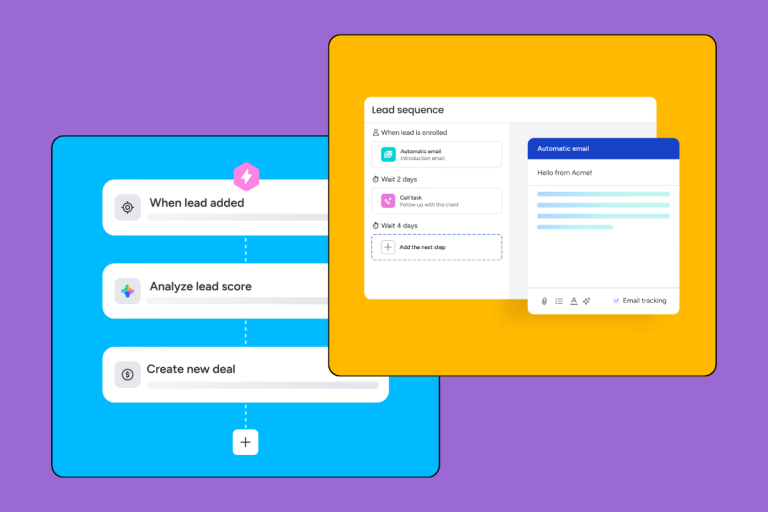
The automation builder is the centrepiece of the platform. It uses a visual drag-and-drop editor that lets you design multi-step workflows based on what users actually do – page visits, clicks, purchases, form fills, inactivity. No developer needed.
A practical e-commerce example: a visitor adds an item to cart but doesn’t check out → after 2 hours, they receive a personalised abandoned-cart email → if they don’t open it, a push notification fires the next morning → if they return to the site, a popup with a discount code appears. That full sequence lives in one workflow, built without touching a line of code.
That kind of behavioural logic is where User.com earns its price tag. Many tools claim to do this; User.com does it cleanly in a single interface.
Multi-channel communication
All outbound channels live in one place:
- Email marketing with a drag-and-drop editor, A/B testing, and deliverability analytics
- Live chat with routing rules, bot automation, and conversation assignment
- Browser push notifications
- SMS (via integrated providers)
- On-site popups triggered by behavioural rules
The practical value here is coordination. When a contact gets an email and then visits your pricing page, the chat widget can fire a proactive message. That’s hard to orchestrate across five separate tools – and straightforward inside User.com.
Segmentation and personalisation
User.com supports dynamic segments that update automatically as contact behaviour changes. A contact moves from “prospect” to “trialling” to “customer” based on their actions, and the messaging they receive shifts accordingly.
Personalisation goes beyond inserting first names. Email content, offer blocks, and product recommendations can be dynamically generated based on a contact’s purchase history, browsing behaviour, or funnel stage. That’s table-stakes in enterprise marketing software; it’s genuinely useful to see it at SMB price points.
Analytics and reporting
The customer journey analysis is the standout feature here. It shows which touchpoints and messages are actually driving conversions – not just clicks and opens, but downstream revenue impact. Use it to kill underperforming automations fast and double down on what’s working.
Real-time reporting means you’re not waiting 24 hours to see whether a campaign is landing. That matters when you’re running time-sensitive promotions.
Integrations
User.com connects with the tools most SMBs already run:
- E-commerce: WooCommerce, Shopify, PrestaShop
- Payments: PayPal, Stripe (and local providers)
- Analytics: Google Analytics, Meta Pixel
- CRM/ERP: Salesforce, Microsoft Dynamics
- Webinar/education platforms
The REST API is well-documented, which matters if you need a custom integration. The native connectors are solid for most use cases; a handful require some configuration work to get fully wired up.
Who is User.com for?
Marketing teams
If you’re running multi-channel campaigns, User.com gives you everything in one place: campaign builder, segmentation engine, A/B testing, and cross-channel reporting. The biggest win is that marketing and sales both work from the same contact data – no more “we sent them an email but sales didn’t know.”
Sales teams
Lead scoring shows you which contacts are actually warm. Behavioural notifications – “a lead just visited your pricing page for the third time” – let sales act at the right moment rather than working a cold list. The CRM layer is lighter than dedicated tools like Pipedrive or Salesforce, but it’s functional for teams that don’t need deep pipeline management.
Customer support
Live chat with full contact history visible during the conversation is a genuine upgrade over standalone chat tools. Support agents can see what a customer has bought, what emails they’ve received, and where they are in their lifecycle – before saying hello. Automating answers to common questions reduces ticket volume without sacrificing experience.
Where User.com performs best by industry
E-commerce is the strongest fit. Abandoned cart sequences, post-purchase flows, loyalty campaign automation, and reactivation campaigns all map directly to User.com’s feature set.
SaaS is the second-best fit. User onboarding sequences, feature adoption nudges, churn prevention workflows, and in-app/email upsells are exactly what the behavioural automation engine was built for.
Education and online courses benefit from automated enrolment flows, progress-based communication, and deadline reminders.
Professional services can use it for lead nurturing, meeting scheduling automation, and pre/post-service communication – though the feature depth may be more than a small consultancy needs.
Organisation size: User.com is best suited to companies with 10–250 employees that have at least one person who can own the platform. If nobody has 20% of their week to learn and manage it, the power goes to waste.
Pricing
User.com doesn’t publish a clean pricing table on its main page, which is always a friction point when evaluating software. Based on our research, entry-level plans start at around $100/month, with costs scaling based on the size of your contact database and the features you need.
The honest frame for evaluating the price: if you’re currently paying for a separate email tool ($50–$80/month), a live chat platform ($40–$60/month), and an automation tool ($80–$120/month), you’re already spending $170–$260/month and still manually syncing data between them. User.com consolidates that stack.
The 14-day trial gives you full access with no credit card required – which is the right way to evaluate a platform this complex. You need to test your actual workflows, not a sandbox.
Pros and cons
Pros
- Genuine all-in-one coverage: email, chat, automation, push, SMS, popups in one system
- Behavioural automation is genuinely powerful – complex multi-step workflows built without code
- Real-time analytics show conversion impact, not just vanity metrics
- Clean, modern interface that doesn’t feel cluttered despite the feature depth
- Dynamic segmentation that updates automatically as contacts’ behaviour changes
Cons
- Steep learning curve – plan for a real onboarding investment before you’re productive
- Not priced for micro-businesses; entry-level pricing may be hard to justify under $10k/month revenue
- Some native integrations require additional configuration to work fully
- Occasional performance slowdowns reported when working with very large contact databases
- Pricing opacity – you have to contact sales to get a firm number
User ratings (independent sources)
| Source | Rating | Reviews |
|---|---|---|
| G2 | 4.4 / 5 | ~50 reviews |
| Capterra | 4.6 / 5 | ~40 reviews |
| SoftwareAdvice | 4.6 / 5 | ~40 reviews |
| GetApp | 4.6 / 5 | ~40 reviews |
Users consistently highlight the breadth of features, quality of customer support, and the pace of product development. The most common criticism: the learning curve.
Verdict
Our rating: 4.6 / 5
User.com is one of the better-built all-in-one marketing automation platforms at SMB price points. The event-based automation engine is genuinely good. The multi-channel coordination actually works. And for teams currently maintaining a patchwork of separate tools, the consolidation case is real.
The caveat is clear: you need someone to own it. User.com rewards teams that invest in learning the platform. It punishes teams that expect plug-and-play.
Choose User.com if you:
- Run email, chat, and automation across separate tools and want to unify them
- Work in e-commerce, SaaS, or online education
- Have a dedicated marketing ops person or team
- Need behavioural automation that responds to what users actually do
- Have 10–250 employees and are scaling your marketing/sales motion
Skip User.com if you:
- Only need one function (just email, or just live chat)
- Have a marketing budget under ~$500/month for tooling
- Don’t have the internal bandwidth to configure and maintain the platform
- Need a deep sales pipeline CRM – best CRM for sales teams is a better starting point
Alternatives to User.com
ActiveCampaign – stronger in email automation and CRM depth; [INTERNAL LINK: ActiveCampaign review] is the closest like-for-like comparison.
HubSpot – more CRM-forward, free tier is generous, but paid tiers get expensive fast; [INTERNAL LINK: HubSpot review] has the full breakdown.
LiveChat – if you need best-in-class live chat without the rest of the stack, this is the specialist tool.