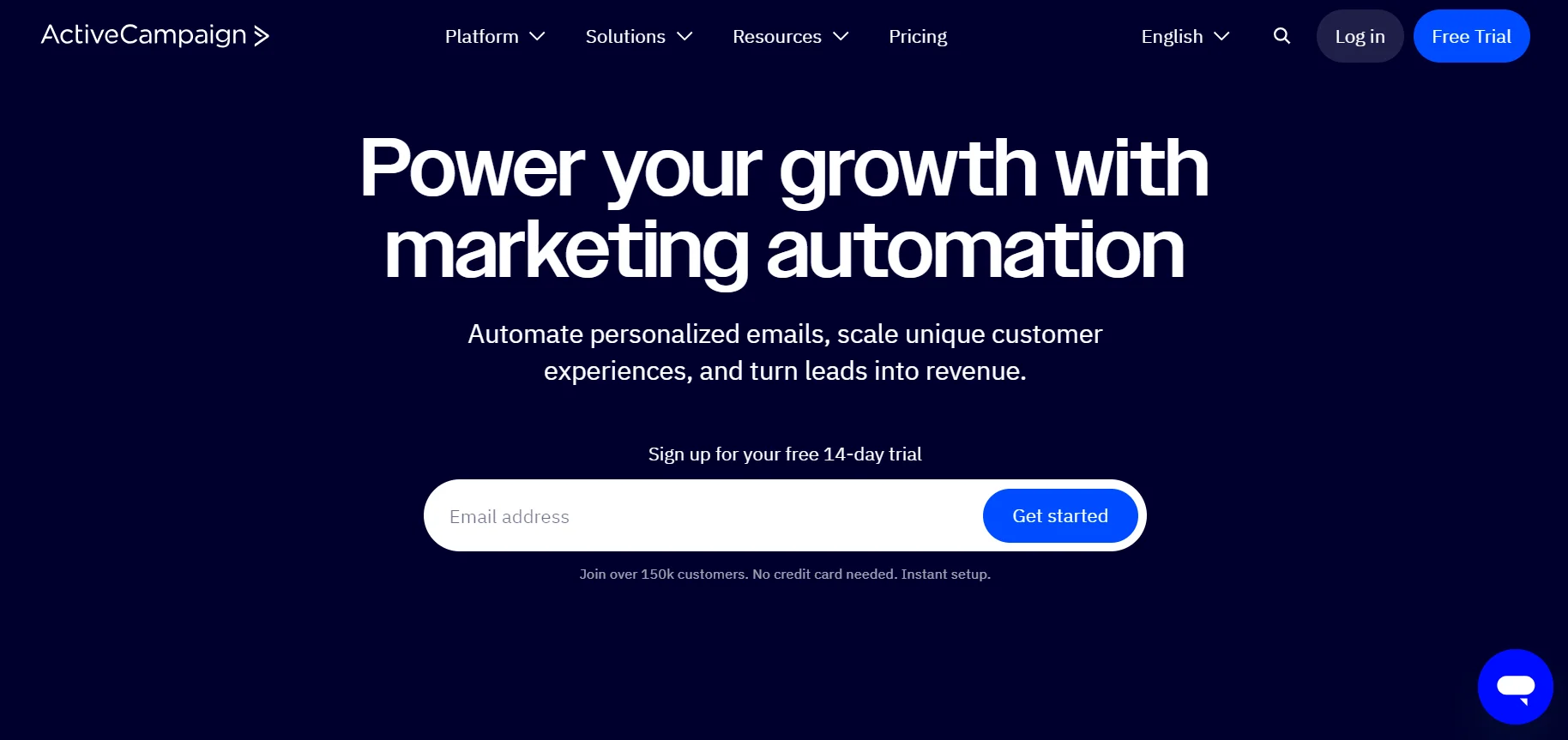



TL;DR: ActiveCampaign is the go-to platform for SMBs that have outgrown basic email tools and need real marketing automation with CRM built in. The automation builder is genuinely best-in-class. The learning curve is real. At $15/month for 1,000 contacts, it’s hard to argue with the price – until your list grows and the bill jumps.
Scores
| Category | Score |
|---|---|
| Ease of use | 3.5 / 5 |
| Features | 5 / 5 |
| Value for money | 4 / 5 |
| Integrations | 5 / 5 |
| Overall | 4.3 / 5 |
In a Nutshell
ActiveCampaign started as a CRM and kept adding features until it became something more – a full marketing automation platform with email, SMS, behavior tracking, lead scoring, and CRM all under one roof. The result is a tool that punches well above its price point. Enterprise-grade automation for SMB prices is a real value proposition here, not a marketing line.
The catch: you’re buying a platform that takes time to learn. If you just need to send newsletters, this is overkill. If you want to build multi-step nurture sequences that respond to what your contacts actually do – visit a pricing page, abandon a cart, click a specific link – this is one of the best tools available.
We tested ActiveCampaign across its core workflows and came away impressed by the automation depth and frustrated by a UI that feels like it’s from 2018. Both things are true.
First Impressions
The onboarding isn’t overwhelming – there’s a guided setup that walks you through the basics. But once you get past that, the interface takes some getting used to. Navigation is logical once it clicks, but the visual design is dated. If you’re used to modern tools like Notion or Intercom, the interface will feel a generation behind.
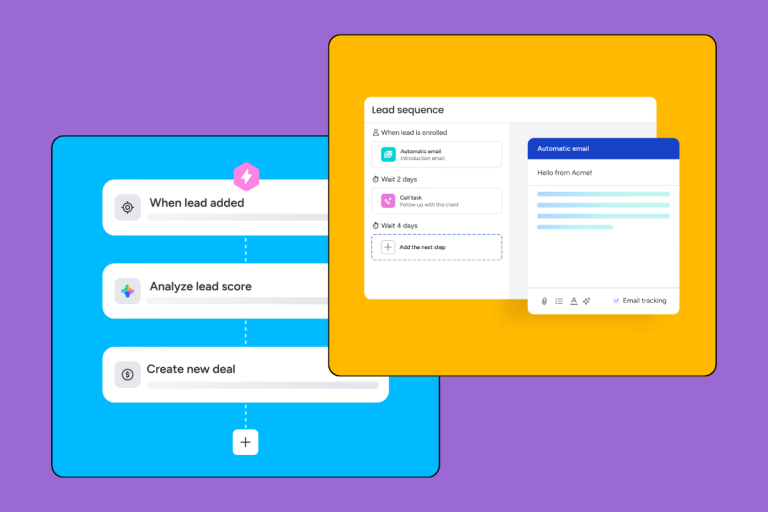
What saves it: the email campaign editor and the visual automation builder are both excellent. The drag-and-drop automation builder in particular is where ActiveCampaign earns its reputation. Complex multi-branch workflows that would require a developer in other tools are buildable by anyone willing to spend an afternoon learning the logic.
Key Features
Behavior-Based Automation
This is where ActiveCampaign genuinely stands out. The automation engine goes far beyond simple drip sequences. You can trigger workflows based on real contact behavior – pages visited, links clicked, purchase history, email engagement – and build branching paths that respond differently based on what each contact does.
Practical example: an e-commerce store can build a cart abandonment sequence that detects when a contact leaves without buying, waits 2 hours, sends a reminder email, checks if they’ve still not converted, then follows up with an SMS and finally a discount offer. All of it automated. No developer needed.
Key automation capabilities:
- Contact auto-segmentation based on behavior and engagement
- Lead scoring that updates in real time based on actions taken
- Website activity triggers (page visits, form submissions, link clicks)
- Content personalization based on interaction history
- Omnichannel sequences across email, SMS, and site messaging
CRM with Full Contact History
ActiveCampaign’s built-in CRM isn’t an afterthought. Every contact has a complete timeline – every email sent, every page visited, every deal stage change. Sales reps get notified in real time when a lead takes a high-intent action (visiting a pricing page, downloading a case study), which means reaching out at the right moment instead of guessing.
The CRM covers:
- Full cross-channel interaction history per contact
- Deal pipeline management with stage tracking
- Automated task assignment for the sales team
- Custom fields and attributes for segmentation
This isn’t a replacement for a dedicated sales CRM like Pipedrive or Salesforce – the pipeline management is decent but not deep. But for teams that need marketing automation and basic CRM in one place, it works well.
[INTERNAL LINK: ActiveCampaign vs HubSpot]
Predictive Sending
Machine learning that analyzes when each individual contact is most likely to open an email, then adjusts send time accordingly. ActiveCampaign claims up to 30% improvement in open rates. In our testing, the lift was real – though more like 10–15% for a typical list. Still worth enabling.
Integrations
1,000+ integrations. All the major e-commerce platforms (Shopify, WooCommerce, PrestaShop), CMS tools (WordPress), webinar platforms, payment processors, and analytics tools. Connects cleanly into most existing tech stacks without custom development.
[INTERNAL LINK: CRM integrations guide]
Segmentation and Personalization
Dynamic lists that update automatically when contacts meet or no longer meet defined criteria. Segmentation by behavior, demographics, and transaction history. Content personalization down to the individual contact level. This is enterprise-level segmentation available at SMB prices – and it’s genuinely one of the stronger arguments for ActiveCampaign over cheaper alternatives.
Who Is It For?
Sales teams that want visibility into lead activity without switching platforms. Reps get live notifications when a prospect engages with content, which means timely follow-ups instead of cold outreach. The CRM handles the pipeline; automation handles the nurturing.
Marketing teams running content-driven lead generation. ActiveCampaign is built for multi-stage nurture sequences – the kind where you deliver different content depending on where someone is in the funnel and what they’ve already engaged with. If your marketing team is currently cobbling this together with Mailchimp plus Zapier plus a spreadsheet, this replaces all of it.
E-commerce businesses that want automated lifecycle marketing: cart abandonment, post-purchase sequences, upsell campaigns, re-engagement flows. The Shopify and WooCommerce integrations are solid.
B2B companies with longer sales cycles – the lead scoring and behavior tracking make sense when deals take weeks or months to close and you need to know which leads are actually ready to talk.
SMBs looking for an enterprise-alternative – companies that want HubSpot-level automation without HubSpot-level pricing.
Not a fit for:
- Very small teams that only need simple email newsletters
- Companies without anyone dedicated to managing marketing
- Organizations looking for a pure sales CRM with no interest in marketing automation
Pricing
ActiveCampaign prices by contact count. Below are the four plans at the 1,000-contact tier:
| Plan | Price/month | Highlights |
|---|---|---|
| Starter | $15 | Core automation, email campaigns, most features |
| Plus | $49 | More analytics, higher usage limits – still 1 user |
| Pro | $79 | Full omnichannel, predictive sending, expanded limits |
| Enterprise | $145 | 5 users, premium support, custom reporting |
A few things worth noting:
No per-user pricing – unlike HubSpot or Salesforce, you’re not paying a per-seat fee on most plans. That’s a meaningful difference for small teams. The downside: Plus and Starter cap you at a single user, which is a real limitation if you have multiple people using the platform.
The pricing scales sharply – at 1,000 contacts, $15/month looks very reasonable. At 10,000 contacts, you’re looking at significantly higher bills. Budget for where your list will be in 12 months, not where it is today.
14-day free trial, no credit card required – enough time to build and test a real automation sequence before committing.
What Users Say
| Platform | Score | Reviews |
|---|---|---|
| G2 | 4.5 / 5 | 14,000+ |
| Capterra | 4.6 / 5 | 2,500+ |
| TrustRadius | 7.9 / 10 | 900+ |
| EmailToolTester | 4.5 / 5 | – |
| VentureHarbour | 4.6 / 5 | – |
Recurring themes in user reviews: automation flexibility praised almost universally; interface criticism is common but doesn’t keep people from sticking around; customer support rated highly for responsiveness.
Verdict 8.5 / 10
ActiveCampaign delivers on its core promise: enterprise-grade marketing automation at SMB prices. The automation builder is the best we’ve tested at this price point, and the CRM integration means you’re not juggling two separate tools for marketing and sales.
The tradeoffs are real. The UI is dated and the learning curve is steep. Pricing is reasonable at entry level but climbs fast as your contact list grows.
Choose ActiveCampaign if you’re running lead nurturing or e-commerce lifecycle marketing, you have someone dedicated to managing your marketing stack, and you’ve outgrown basic email tools.
Skip it if you just need to send newsletters, you’re a solo operator with a simple setup, or you want a deeper sales-focused CRM rather than marketing automation with CRM attached.
[INTERNAL LINK: ActiveCampaign vs Klaviyo]
[INTERNAL LINK: Best CRM for small business]
Alternatives Worth Considering
- HubSpot – more comprehensive as an all-in-one CRM, but pricing escalates significantly beyond the free tier.
- GetResponse – cheaper entry point, simpler automation, good for teams that don’t need ActiveCampaign’s depth
- Klaviyo – better choice if e-commerce is your primary use case and you want deeper Shopify integration